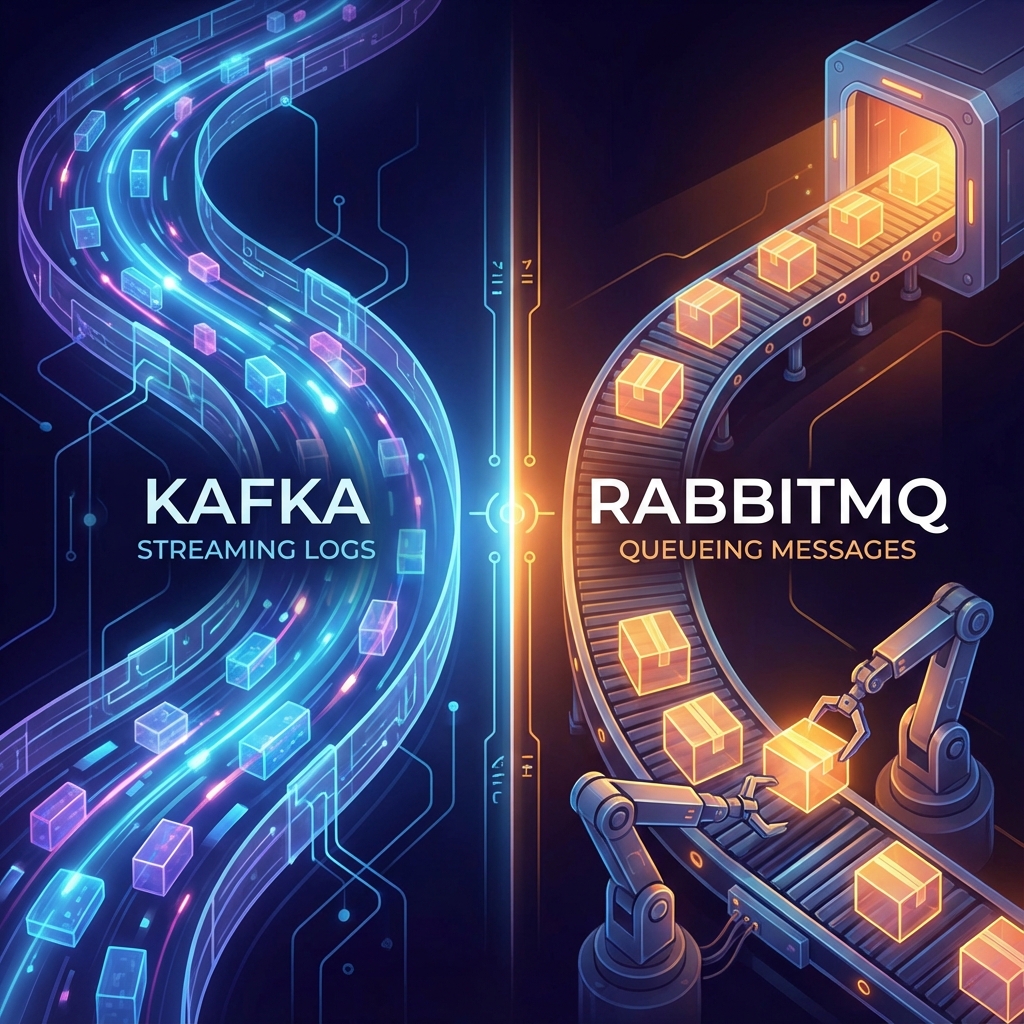
Kafka vs RabbitMQ: The Event Streaming vs Message Queueing Showdown (2025)
In any distributed system, effective communication between services is the backbone of reliability. While direct REST calls (HTTP) are common, they are synchronous and brittle; if Service B is down, the data from Service A is lost. To build resilience, you need an asynchronous buffer—a Broker.
The two undisputed giants in this space are Apache Kafka and RabbitMQ.
Developers often treat them as interchangeable "pub/sub" tools, but this is a critical mistake. They are not equivalents. They are fundamentally different systems built on opposing design philosophies:
- RabbitMQ is a Smart Broker / Dumb Consumer focused on complex routing and delivery guarantees.
- Kafka is a Dumb Broker / Smart Consumer optimized for massive throughput and data replayability.
In this guide, we will analyze their architectures to ensure you don't use a hammer to drive a screw.
Part 1: The Mental Models
RabbitMQ: The Post Office
RabbitMQ is like a Mailroom.
- Function A hands a letter to the Mailroom (Exchange).
- The Mailroom looks at the address (Routing Key) and sorts it into a specific Box (Queue).
- Function B picks up the letter and reads it.
- Crucially: Once the letter is read, it is burned. It is gone.
RabbitMQ is about Delivery.
- "Did you get the message?"
- "Yes."
- "Okay, I'll delete it."
Kafka: The News Feed
Kafka is like a Newspaper Archive (or a Commit Log).
- Function A writes an event to the Log (Topic).
- Function B reads the log from index 0 to 10.
- Function C reads the SAME log from index 5 to 15.
- Crucially: The events stay there. They are persisted to disk.
Kafka is about History.
- "What happened?"
- "Here is the record of everything, ever."
Part 2: Architecture Deep Dive
RabbitMQ (AMQP Protocol)
RabbitMQ is complex inside.
- Producer: Sends message.
- Exchange: The router. Types:
- Direct: Exact match routing key "video.created".
- Topic: Pattern match "video.*".
- Fanout: Broadcast to everyone.
- Headers: Route based on header metadata.
- Queue: A buffer where messages sit.
- Consumer: Connects to a queue and listens.
Push Model: RabbitMQ pushes messages to consumers. It manages their load. If a consumer is slow, RabbitMQ holds the buffer in RAM (usually).
Kafka (Custom Protocol)
Kafka is simple inside (mechanically).
- Producer: Appends bytes to the end of a file.
- Broker: Manages the files.
- Topic: A logical category.
- Partition: The unit of scalability. A topic is split into shards (Partition 0, 1, 2).
- Consumer Group: A team of consumers. Kafka assigns Partition 0 to Consumer A, partition 1 to Consumer B.
Pull Model: Consumers pull data. They say "Give me the next 10 messages from Offset 500." The broker doesn't care who reads what. It just serves files.
Part 3: Throughput vs Latency
Throughput (Kafka Wins)
Kafka is designed for insane throughput. It writes to disk sequentially (Zero Copy). It bypasses the JVM heap and copies data directly from OS Page Cache to Network Socket.
- A single Kafka node can handle Millions of messages per second.
- Use case: Tracking every mouse click on Netflix. Analysis logs. Application metrics.
RabbitMQ is slower.
- It does complex routing logic per message.
- It tracks ACKs state per message.
- Typically handles 20k - 50k messages per second.
Latency (RabbitMQ Wins)
If you need "Real-time" (sub-millisecond), RabbitMQ is often faster. Since it pushes data from RAM to the consumer immediately, the latency is minimal. Kafka has a slight polling delay (consumers poll every X ms) and batching delay (producers wait to batch messages).
Part 4: Persistence & Replayability
The Killer Feature of Kafka: Replay. Imagine you deploy a bug in your consumer code. It processes 10,000 orders incorrectly.
- RabbitMQ: The messages were Ack'd and deleted. The data is lost. You cannot fix it.
- Kafka: You fix the code. You reset the Consumer Offset back to yesterday. You re-process the 10,000 orders correctly.
Kafka is a Time Machine. RabbitMQ is a Queue.
Part 5: Ordering Guarantees
- RabbitMQ: Generally FIFO (First In, First Out) within a queue.
- Kafka: Ordered ONLY within a Partition.
- If you send Message A then Message B to the same partition -> Consumer sees A then B.
- If A goes to Partition 1, and B goes to Partition 2 -> Consumer might see B then A.
- Design Tip: Use the "Entity ID" (e.g., User ID) as the Partition Key. All events for User 123 go to Partition 4, guaranteeing order for that user.
Part 6: Use Cases (The Decision Matrix)
Use RabbitMQ When:
- Complex Routing: You need to send "Logs" to the Logging Service, but "Critical Logs" to both the Logging Service and the Alerting Service. Rabbit's Exchanges handle this effortlessly.
- Long-Running Tasks: Background jobs (Image processing). If a worker takes 5 minutes, RabbitMQ handles the ACKs nicely.
- Priority Queues: You need VIP users to be processed before Free users. RabbitMQ supports priority.
Use Kafka When:
- Event Sourcing: You want to store the "State" of the system as a sequence of events.
- Analytics / Big Data: Feeding data into a Data Lake (Snowflake/BigQuery).
- High Throughput: 100k+ events/sec.
- Microservices Choreography: Service A emits "UserCreated". Service B, C, and D all subscribe to it and process it independently at their own speeds.
Part 7: Code Comparison (Python)
RabbitMQ (Pika)
import pika

# Connect
connection = pika.BlockingConnection(pika.ConnectionParameters('localhost'))
channel = connection.channel()

# Declare Queue (Idempotent)
channel.queue_declare(queue='hello')

# Callback function
def callback(ch, method, properties, body):
    print(f" Received {body}")
    # Manual Ack
    ch.basic_ack(delivery_tag=method.delivery_tag)

# Consume
channel.basic_consume(queue='hello', on_message_callback=callback)
print('Waiting for messages...')
channel.start_consuming()
Kafka (Confluent Kafka)
from confluent_kafka import Consumer

conf = {
    'bootstrap.servers': 'localhost:9092',
    'group.id': 'my_group',
    'auto.offset.reset': 'earliest'
}

consumer = Consumer(conf)
consumer.subscribe(['my_topic'])

while True:
    msg = consumer.poll(1.0) # Poll every 1s

    if msg is None: continue
    if msg.error():
        print("Error: {}".format(msg.error()))
        continue

    print('Received: {}'.format(msg.value().decode('utf-8')))
    # Offset is committed automatically in background (usually)
Conclusion: Use The Right Tool
Most modern architectures actually use Both.
- Kafka acts as the central nervous system, piping massive amounts of data between services (The Data Backbone).
- RabbitMQ handles specific edge-node task processing where complex routing is needed.
Rule of Thumb:
- If you need to store data -> Kafka.
- If you need to route data -> RabbitMQ.
Summary Table
| Feature | RabbitMQ | Apache Kafka |
|---|---|---|
| Primary Design | Message Queue (Smart Broker) | Distributed Log (Dumb Broker) |
| Payload | Transient (Deleted) | Persistent (Saved) |
| Protocol | AMQP (Standard) | TCP (Custom binary) |
| Topology | Exchange -> Queue | Topic -> Partition |
| Scalability | Vertical (Harder to cluster) | Horizontal (Native clustering) |
| Throughput | ~50k/sec | ~Millions/sec |
| Replay | No | Yes |
Choose wisely. The wrong broker is a bottleneck you will regret for years.